7 Common Church Tech Mistakes (And How to Avoid Them)
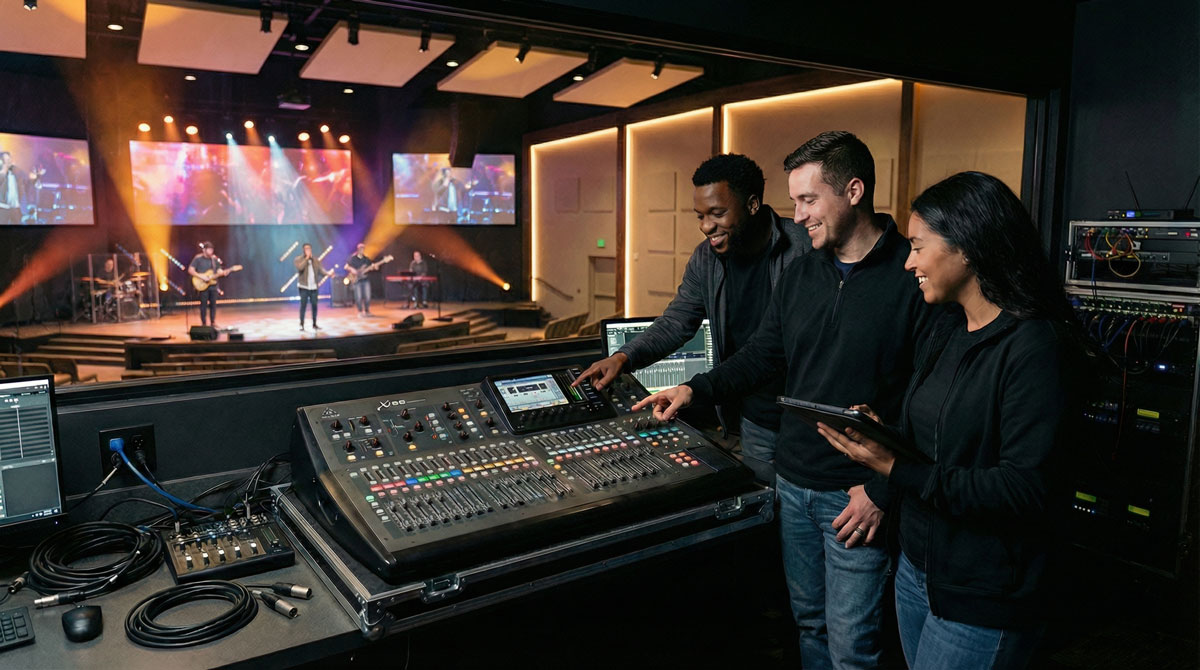
After years of working with church tech teams, we've seen the same mistakes repeated across hundreds of churches—from small community congregations to mega-churches with professional production teams. The good news? Most of these issues are completely preventable.
Here are the seven most common mistakes church tech teams make, and practical solutions you can implement this week.
1. No Communication System Between Tech Positions
The Mistake:
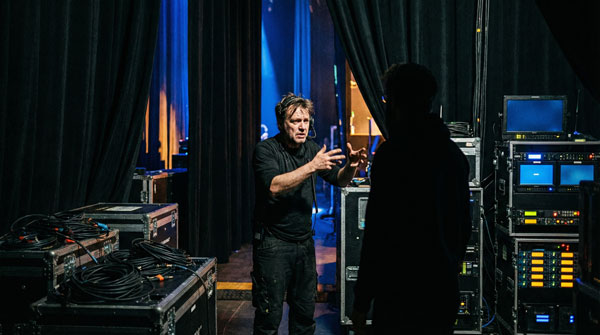
Your FOH engineer, livestream operator, and ProPresenter volunteer are all in different rooms with no reliable way to communicate. They resort to text messages (that get lost), hand signals (that get missed), or worst of all—walking across the sanctuary during the service.
Why It Happens: Churches assume their tech team will "figure it out" without investing in proper communication infrastructure. After all, they're all in the same building, right?
The Fix:
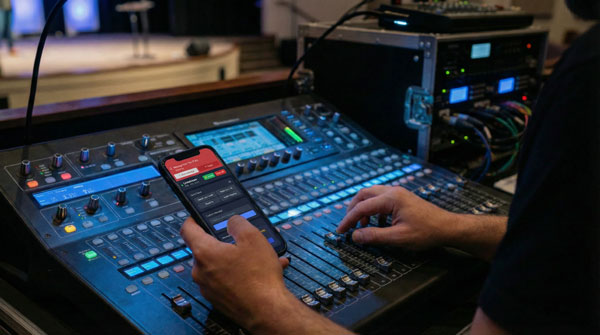
Implement a silent communication system designed for live production. Your team needs instant, visual alerts that can't be missed—not buried in group chats or ignored text notifications. Purpose-built tools ensure messages get through when seconds matter.
Real Cost: Missing the opening of an announcement because your video operator didn't know to switch cameras. Having feedback build during a prayer because FOH couldn't alert anyone. These aren't just technical glitches—they're disruptions to worship.
2. Assuming Volunteers Know What They Don't Know
The Mistake:
You hand a volunteer the FOH console or camera controls and assume they'll ask questions if confused. Spoiler: they won't. They'll muddle through, make mistakes, and feel embarrassed about not knowing something "basic."
Why It Happens: Experienced tech team members forget what it's like to be new. What's obvious to someone who's run sound for five years is completely foreign to a first-time volunteer.
The Fix:
Create checklists for every role. Not a 50-page manual—a one-page laminated checklist that lives at each station:
FOH Checklist:
- ☐ Power on console (20 minutes before service)
- ☐ Check all mic levels (green = good, red = clipping)
- ☐ Test pastor's wireless mic
- ☐ Set master fader to unity (0dB)
- ☐ Monitor in-ear packs functional
ProPresenter Checklist:
- ☐ Open today's service file
- ☐ Test HDMI output to screens
- ☐ Announcement slides loaded
- ☐ Worship lyrics synced with setlist
- ☐ Stage display configured
Bonus: Add a "If something goes wrong" section with your team lead's contact info.
3. No Backup Plan When Tech Fails
The Mistake:
Your primary camera dies, ProPresenter crashes, or the wireless mic cuts out—and your team freezes because there's no plan B.
Why It Happens: "It's always worked before" is not a backup plan. Tech fails. It's not if, it's when.
The Fix:
Document your backup protocols:
- Camera fails: Switch to backup camera feed (have one ready)
- ProPresenter crashes: Keep PDF slides on desktop as emergency backup
- Wireless mic dies: Have wired backup mic at pulpit (tested monthly)
- Internet drops: Livestream has local recording running as backup
- Power outage: Know where the circuit breakers are
Run a quarterly "failure drill" where you intentionally cause one failure and have your team practice the backup protocol. It's awkward the first time. It's seamless the second time. It's forgotten by the third time if you don't practice.
4. Training One Person Per Role (Single Point of Failure)
The Mistake:
You have one person who knows FOH, one person who knows livestream, and one person who knows ProPresenter. When they're unavailable, the service quality tanks—or worse, you have no coverage.
Why It Happens: It's easier to have "experts" than to invest time cross-training. But this creates knowledge silos and team fragility.
The Fix:
Every role should have at least two trained people. Better yet, rotate positions:
- Month 1: Alice runs FOH, Bob shadows and learns
- Month 2: Bob runs FOH, Alice provides backup support
- Month 3: Alice takes another role, Bob trains Charlie
Practical Tip: Create 5-minute training videos for each role. Have your experienced volunteer record their setup process, common fixes, and where things are located. New volunteers can watch these before their first Sunday.
5. Ignoring Audio Feedback Until It Happens Live
The Mistake:
You don't sound check properly (or at all), and during the service, feedback starts building. By the time someone reacts, the entire congregation has heard that awful squeal.
Why It Happens: Teams get complacent. "We set this up last week, it'll be fine." But mics move, people position monitors differently, and environmental factors change.
The Fix:
Build a 15-minute pre-service sound check into your routine—every single week:
- Test each mic individually with someone speaking into it (not just tapping)
- Check monitor feedback points by gradually increasing monitor volume until feedback starts, then back off 3dB
- Ring out the room if you've changed anything (new speakers, mic placement, etc.)
- Set levels with real voices, not estimates
Pro Tip: Keep a feedback frequency log. If channel 3 always feeds back around 2kHz, you know to notch that frequency before it starts.
6. No Post-Service Review or Improvement Process
The Mistake:
Service ends, everyone packs up and leaves. No one discusses what went well, what went wrong, or how to improve next week. The same mistakes repeat endlessly.
Why It Happens: Everyone's tired and wants to get to lunch. Critical feedback feels uncomfortable. "Good enough" becomes the standard.
The Fix:
Implement a 5-minute post-service huddle (or async feedback form):
Three Questions:
- What went well today?
- What could we improve?
- What do we need to fix before next week?
Keep it blameless and solution-focused. The goal isn't to point fingers—it's to get better every week. Document recurring issues. If "ProPresenter crashed during worship" appears three weeks in a row, that's not bad luck—that's a systemic problem that needs investigation.
7. Treating Volunteers Like Unpaid Staff
The Mistake:
Your volunteers show up every single Sunday, handle multiple roles, and get guilt-tripped if they need a week off. Burnout is inevitable.
Why It Happens: Churches rely heavily on volunteer tech teams but forget these are people with jobs, families, and lives outside of Sunday morning.
The Fix:
Build a sustainable volunteer culture:
- Rotate schedules: Aim for every other week or 3 weeks per month maximum
- Encourage time off: Don't make people feel guilty for missing a Sunday
- Say thank you: Publicly recognize your tech team's contribution
- Invest in training: Show volunteers you value their growth
- Make it fun: Occasionally grab pizza after a service, celebrate wins
Remember: You're building a team, not filling positions. People volunteer because they care about the church mission—not because they love troubleshooting HDMI cables at 7 AM.
Bonus Mistake: Not Investing in Tech Team Communication
Here's the pattern: Churches will spend $10,000 on a new audio console but balk at spending $15/month on proper communication tools for their team.
The result? State-of-the-art equipment operated by a team that can't coordinate effectively. It's like buying a Ferrari but refusing to pay for GPS—you've got power but no navigation.
The solution? Prioritize team coordination as much as equipment. The best gear in the world won't create a seamless worship experience if your team can't communicate during the service.
Moving Forward
None of these mistakes are fatal. Every church tech team—including professional ones—has made most of these errors at some point. The key is recognizing them, learning from them, and implementing systems that prevent them from happening again.
This Week's Action Item:
Pick ONE mistake from this list that resonates with your team. Don't try to fix everything at once. Choose one, implement a solution, and build from there.
Small, consistent improvements compound into exceptional tech team performance.
Struggling with team communication during services?
See how CrewComm helps church tech teams coordinate silently.
Try CrewComm FreeQuestions or want to share your church tech horror story? Email us at hello@crew-comm.com
About CrewComm
CrewComm is a silent communication platform built specifically for church tech teams who need to coordinate during live services without disruption.